Overview
To authenticate with SHOPLINE, you need your store’s handle — the first part of its domain (e.g.open001 for open001.myshopline.com).
Instructions:
Step 1: Finding your store handle
Ask the merchant for their SHOPLINE store URL, or check it yourself if you’re connecting your own store. The handle is the subdomain before.myshopline.com.
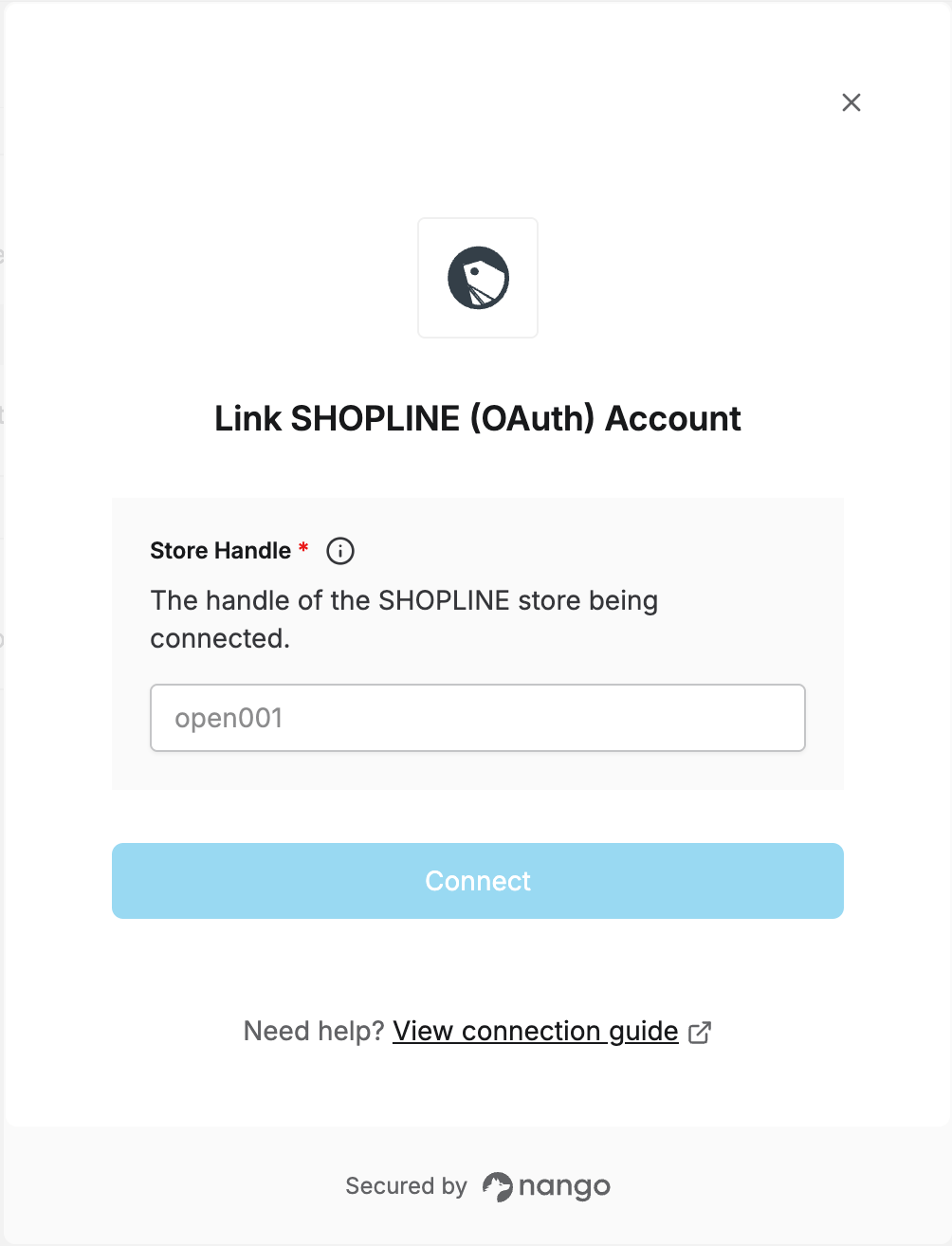
Step 2: Enter your store handle in the Connect UI
- Open the form where you need to authenticate with SHOPLINE.
- Enter the Store Handle.
- Submit the form — you’ll be redirected to SHOPLINE to authorize the app, then back to complete the connection.