Overview
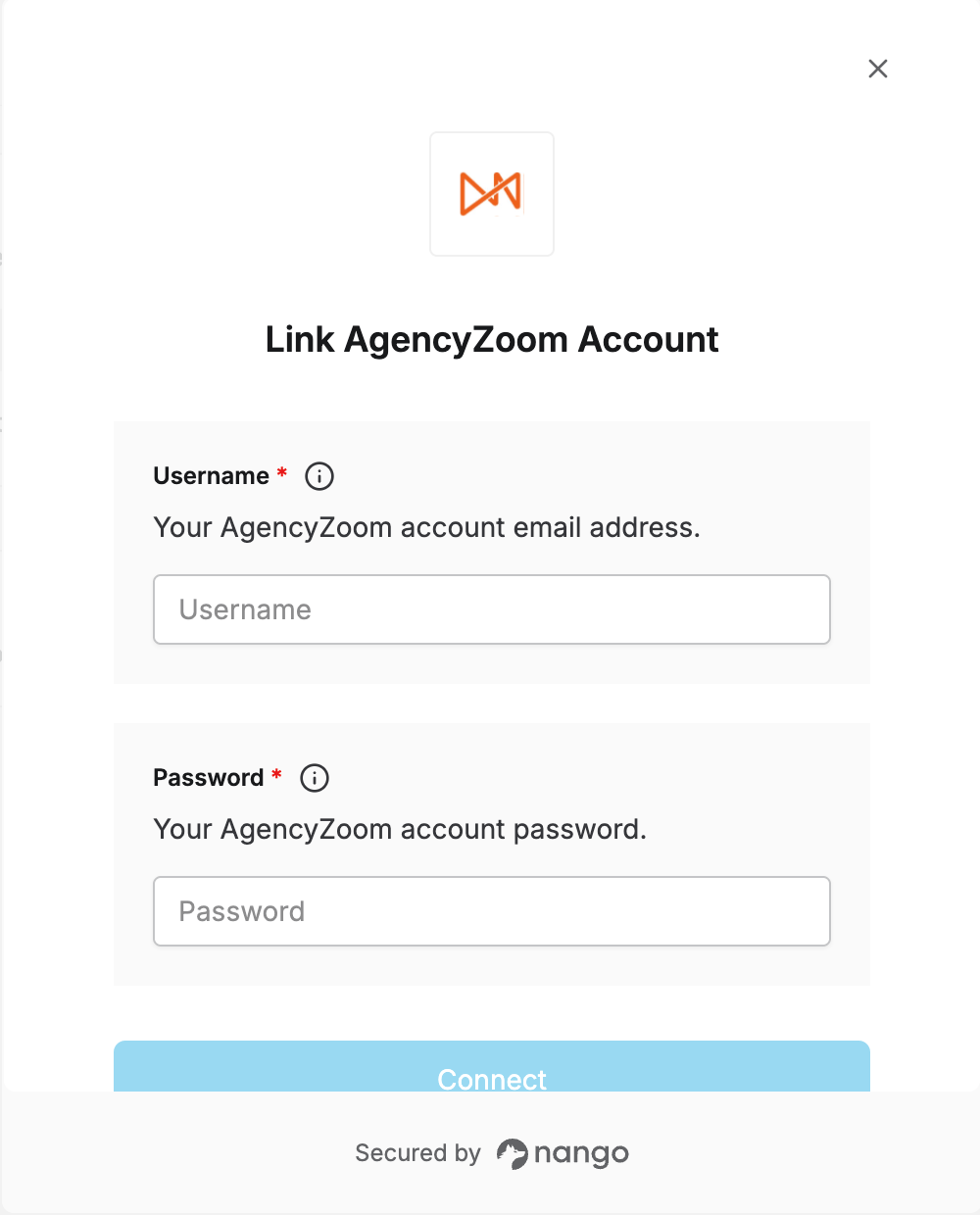
To authenticate with AgencyZoom, you will need:- Username — Your AgencyZoom account email address.
- Password — Your AgencyZoom account password.
Permissions are scoped to the account used to authorize. Use the agency owner’s account if your integration needs access to all functionality.
Step 1: Obtain your credentials
Use the email address and password of the AgencyZoom user you want to integrate with. There is no separate API key or app to register — the same credentials used to log in to the AgencyZoom dashboard are used here.Step 2: Enter credentials in the Connect UI
- Open the form where you need to authenticate with AgencyZoom.
- Enter your Username and Password in their designated fields.
- Submit the form, and you should be successfully authenticated.